How to Register Property on TNREGINET – Step-by-Step Guide
Property registration in Tamil Nadu has become much simpler with TNREGINET portal, official online platform of Registration Department. Using TNREGINET, buyers and sellers can prepare documents, calculate fees, book appointments, and track registration status without repeated visits to Sub-Registrar Office (SRO).
In this guide, I’ll explain How to Register Property on TNREGINET step by step, including documents required, fees, and common mistakes to avoid.
For a complete overview of all services, you can also refer to our TNREGINET complete guide.
What Is Property Registration on TNREGINET?
Property registration on TNREGINET is legal process of recording property ownership details with Tamil Nadu government. Once registered, document becomes valid legal proof of ownership.
Before proceeding, it is recommended to:
- Verify property details
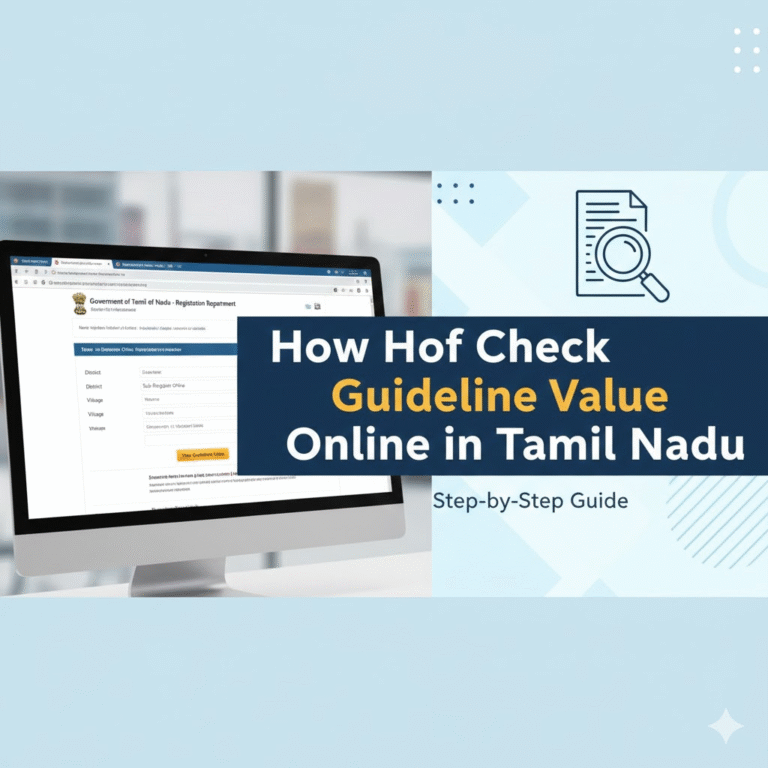
- Check guideline value
- Ensure property is free from legal liabilities
You can confirm property safety by applying for an Encumbrance Certificate (EC) using our guide on how to apply EC online in Tamil Nadu.
How to Register Property on TNREGINET?
Step 1: Visit TNREGINET Portal
Go to official TNREGINET website and log in using your registered account. If you are new, you must complete user registration first.
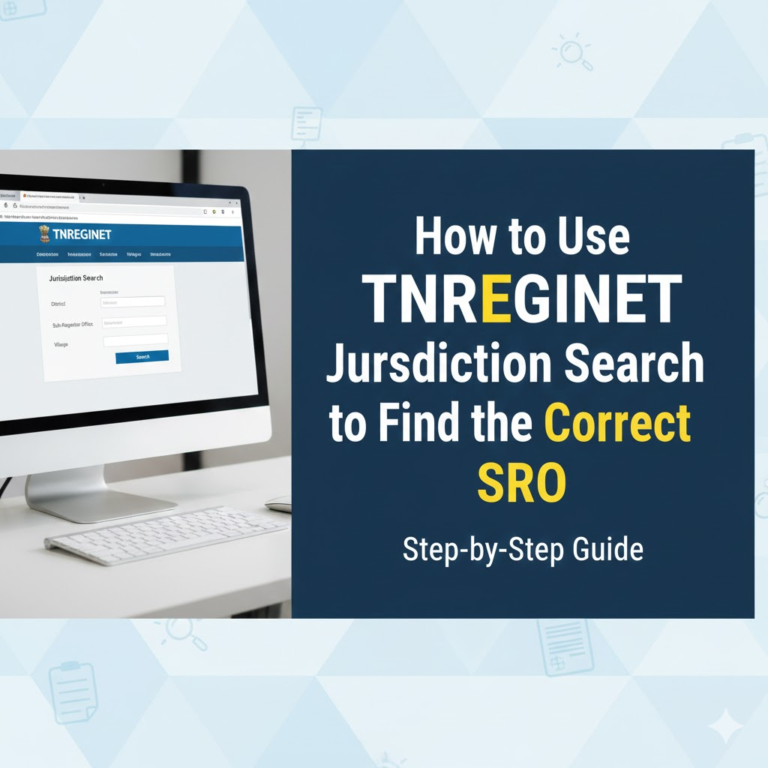
For jurisdiction accuracy, verify your Sub-Registrar Office using TNREGINET jurisdiction search.
Step 2: Select Document Type
Choose appropriate document type such as:
- Sale Deed
- Gift Deed
- Settlement Deed
- Mortgage Deed
Ensure you select correct category, as fees and stamp duty depend on this.
Step 3: Enter Property Details
Provide:
- Survey number
- Village, taluk, district
- Property classification
Before entering value, check official guideline value using our guide on how to check guideline value online in Tamil Nadu to avoid undervaluation issues.
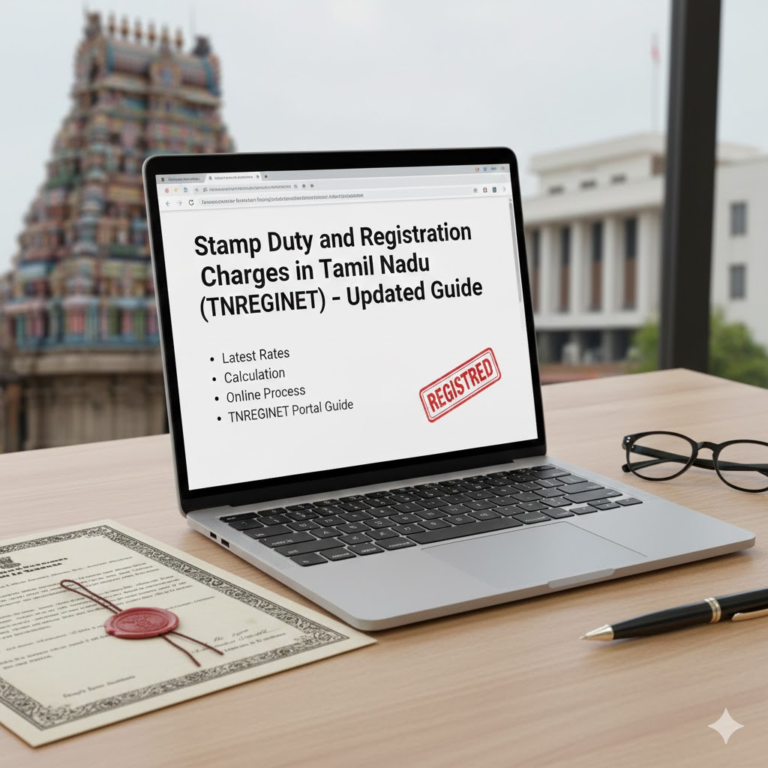
Step 4: Stamp Duty & Registration Fee Calculation
TNREGINET automatically calculates:
- Stamp duty
- Registration charges
Fees vary based on property type and transaction value.
Step 5: Upload Required Documents
Upload scanned copies of:
- Sale agreement
- ID proof of buyer & seller
- Address proof
- Previous title documents
If you need past ownership documents, refer to how to download certified copy of registered documents on TNREGINET.
Step 6: Book Appointment at SRO
Choose:
- Sub-Registrar Office
- Date & time slot
Both buyer and seller must be present at SRO for biometric verification.
Step 7: Visit SRO & Complete Registration
On appointment date:
- Submit original documents
- Complete biometric verification
- Sign document
Once approved, registered document is uploaded to TNREGINET.
Documents Required for TNREGINET Property Registration
- Sale deed / Transfer deed
- Encumbrance Certificate (EC)
- Guideline value confirmation
- Identity proof (Aadhaar / PAN)
- Address proof
- Passport-size photographs
How to Check Registration Status on TNREGINET?
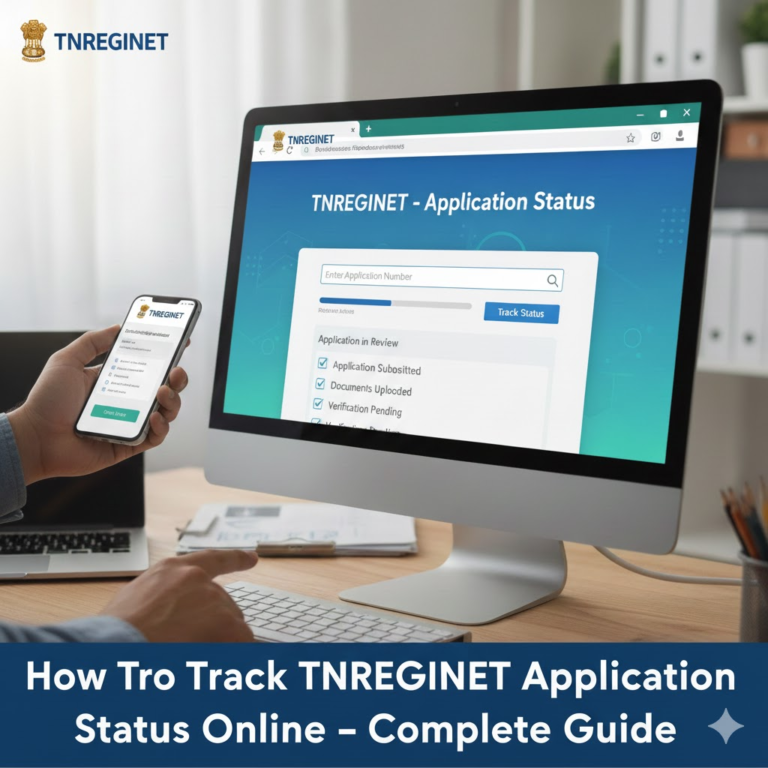
After registration, you can track document status using your application number directly on TNREGINET portal.
I’ve cover this in detail in my article How to Track TNREGINET Application Status Online.
Common Mistakes to Avoid
- Selecting wrong SRO jurisdiction
- Entering incorrect guideline value
- Uploading unclear or incomplete documents
- Skipping EC verification before purchase
Avoiding these errors helps prevent delays and rejection.
Conclusion
The TNREGINET property registration process is transparent and user-friendly when done correctly. By verifying guideline value, jurisdiction, and encumbrance details beforehand, you can complete registration smoothly without legal issues.
For more TNREGINET-related guides and updates, visit our TNREGINET complete resource hub.
FAQs
Is online registration fully completed on TNREGINET?
No. While most steps are online, physical presence at SRO is mandatory for biometric verification.
Is EC mandatory for property registration?
Yes. An Encumbrance Certificate ensures property is legally clear.
Can I register property without checking guideline value?
You can, but incorrect valuation may lead to penalties or rejection. Always verify using TNREGINET.