How to Track TNREGINET Application Status Online?
After submitting an application on TNREGINET portal, many users are unsure how to check whether their document has been approved, rejected, or is still under processing. Tracking your TNREGINET application status online helps you stay informed and avoid unnecessary visits to the Sub-Registrar Office (SRO).
In this article, we explain how to track TNREGINET application status step by step, the different status messages you may see, and what to do if your application is delayed.
What Is TNREGINET Application Status?
TNREGINET application status shows the current stage of your request, such as:
- Property registration
- Certified copy request
- Encumbrance Certificate (EC) application
- Online document submission
Each status reflects the progress of verification by the Registration Department of Tamil Nadu.

Details Required to Track TNREGINET Status
Before checking status, keep the following ready:
- Application number / Reference number
- Registered mobile number
- Document number (if applicable)
- Year of registration
If you are applying for EC, refer to our guide on how to apply Encumbrance Certificate online in Tamil Nadu to understand where the reference number is generated.
Step-by-Step Process to Track TNREGINET Application Status
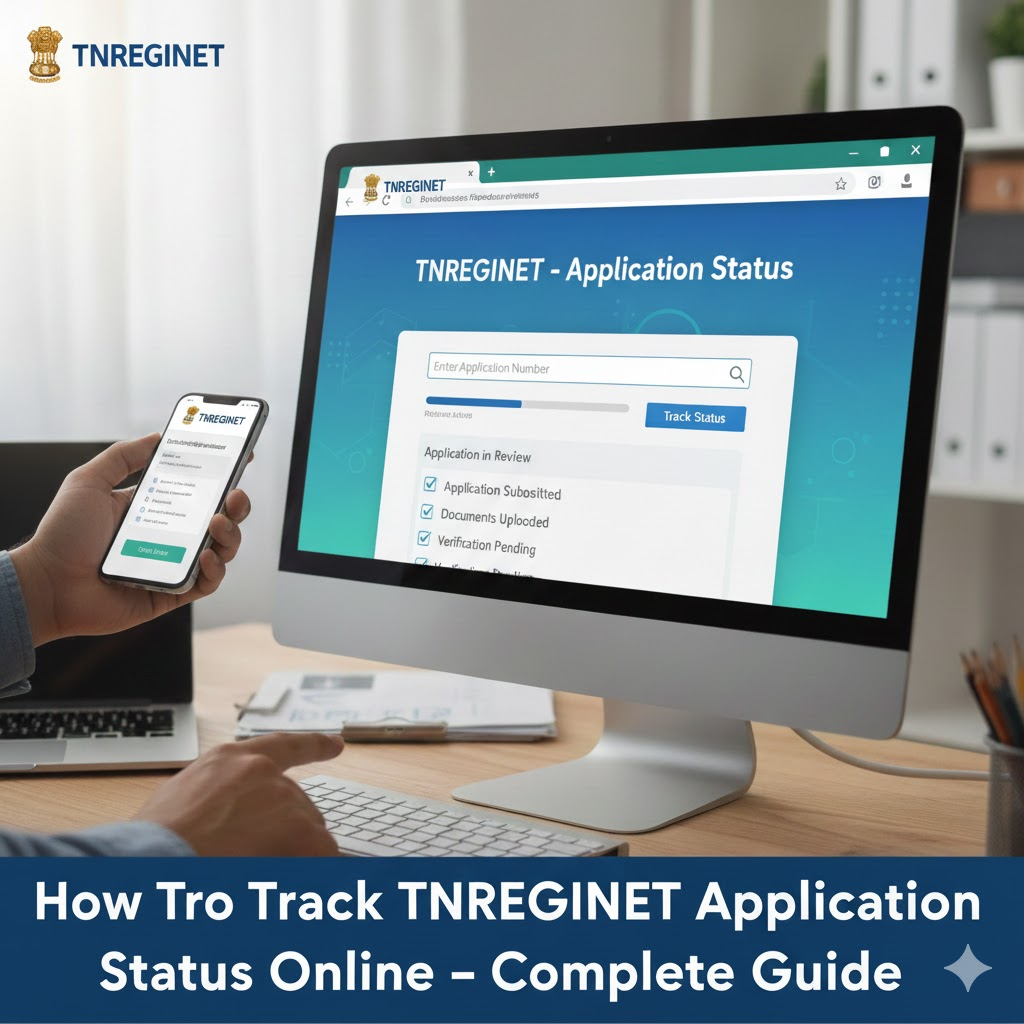
Step 1: Visit the TNREGINET Portal
Go to official website and log in with your user credentials.
For users unfamiliar with the portal structure, our how to register on TNREGINET complete guide explains all sections in detail.
Step 2: Go to “Application Status” Option
After login:
- Navigate to Status / Application Status
- Select the relevant service (EC, document registration, certified copy, etc.)
Step 3: Enter Application Details
Provide:
- Application number
- Year
- SRO (if asked)
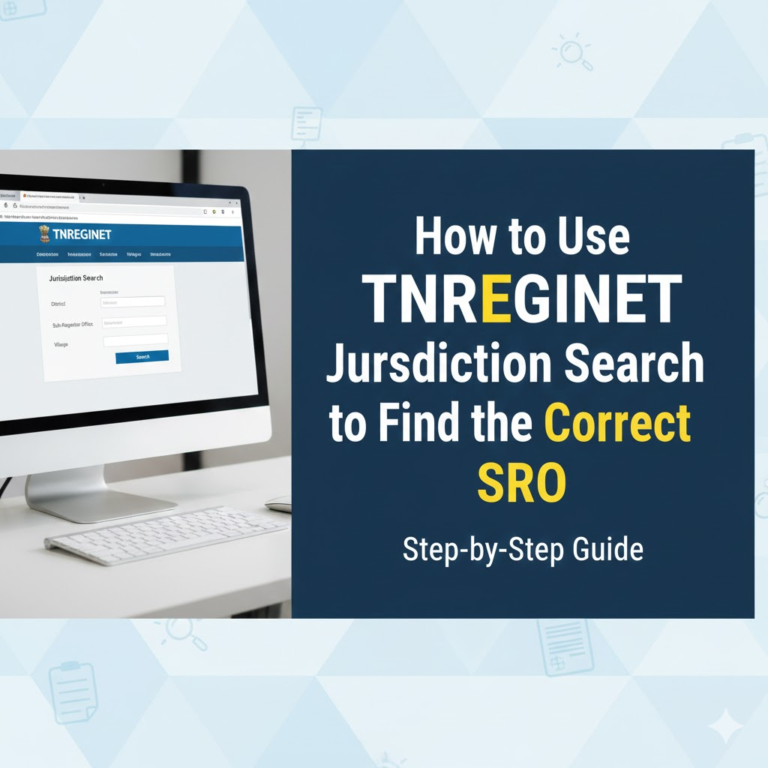
Make sure the SRO matches your jurisdiction. You can confirm this using TNREGINET jurisdiction search to find correct SRO.
Step 4: View TNREGINET Status
Click Search / Submit to view your application status.
The system will display the current processing stage instantly.
TNREGINET Application Status Meanings Explained
| Status Shown | Meaning |
|---|---|
| Submitted | Application successfully received |
| Under Verification | Documents are being reviewed |
| Pending with SRO | Action required by Sub-Registrar |
| Approved | Application accepted |
| Rejected | Errors or missing details |
| Completed | Document issued / registration done |
If your application is rejected, carefully review the remarks before resubmitting.
How Long Does TNREGINET Processing Take?
Processing time varies by service:
- Encumbrance Certificate (EC): 3–7 working days
- Certified Copy: 5–10 working days
- Property Registration: Same day or within 1–2 days after SRO visit
Delays often occur due to incorrect details or jurisdiction mismatch.
What to Do If TNREGINET Status Is Not Updating?
If your status hasn’t changed for several days:
- Recheck application details
- Verify guideline value and property data
- Contact the concerned SRO
Before visiting the SRO, ensure your property value is correct by checking guideline value online in Tamil Nadu.
Can You Track Status Without Login?
No. Most TNREGINET services require login to:
- Protect sensitive property data
- Ensure secure document access
Always use the same account that was used during application submission.
Common Reasons for Application Delay
- Wrong SRO selection
- Incorrect document upload
- Guideline value mismatch
- Missing supporting documents
If you need older property records to resolve issues, follow how to download certified copy of registered documents on TNREGINET.
FAQs
How do I track EC application status on TNREGINET?
Login to TNREGINET → Application Status → Enter EC reference number.
Can I track property registration status online?
Yes. After document submission and SRO visit, registration status can be tracked using the application number.
What does “Pending with SRO” mean?
It means the Sub-Registrar Office must verify or approve your application.
Conclusion
Tracking TNREGINET application status online is simple and saves time if you know the correct steps and reference details. Regularly checking status helps you act quickly in case of errors or delays.
For step-by-step TNREGINET guides, updates, and solutions, visit our TNREGINET resource hub.