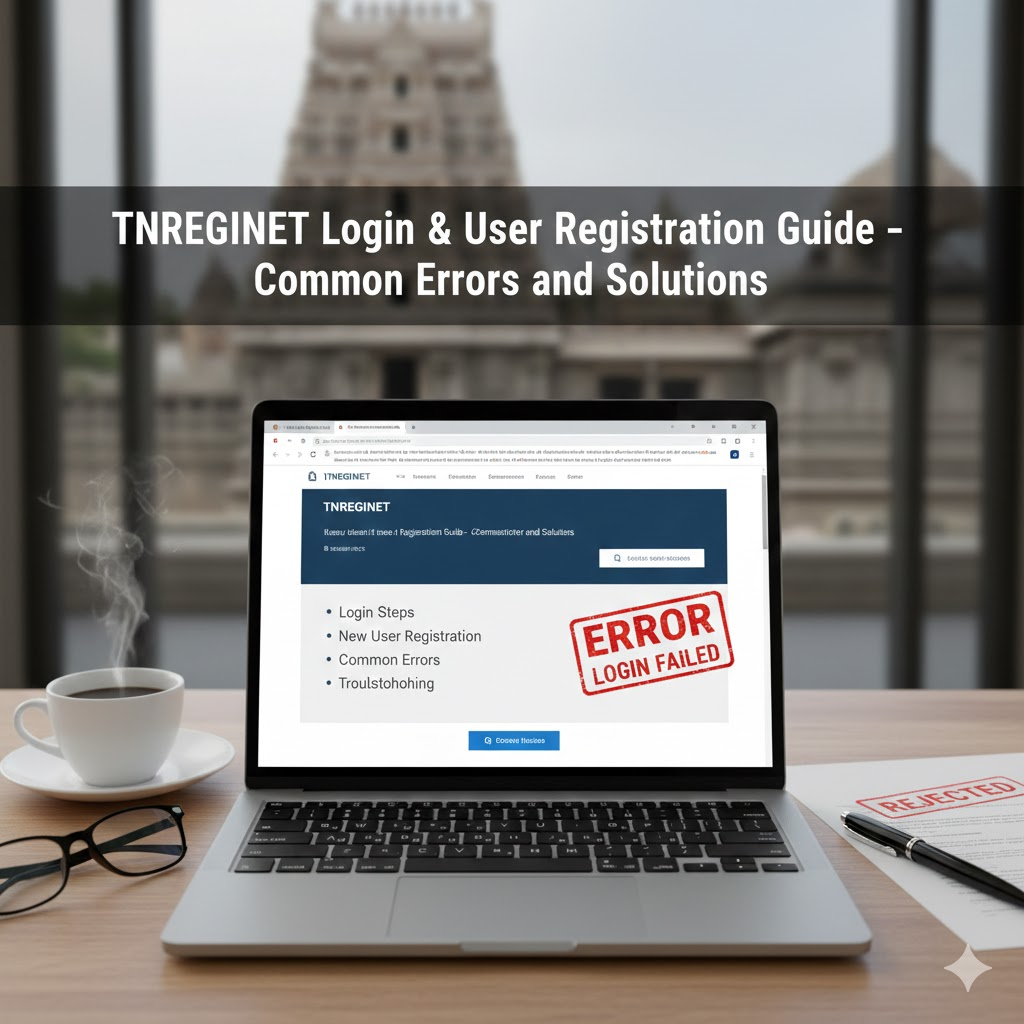
TNREGINET Login and User Registration Guide
To access services like property registration, Encumbrance Certificate (EC), certified copy downloads, or application tracking, users must first complete TNREGINET login and user registration.
Many applicants face login failures, OTP issues, or registration errors due to incorrect details or technical mistakes. This guide explains how to register to TNREGINET, along with practical solutions to the most common problems.
If you’re new to portal, our TNREGINET main guide gives a clear overview of all available services.
Who Needs TNREGINET Login?
You need a TNREGINET account to:
- Apply for Encumbrance Certificate (EC)
- Register property documents
- Download certified copies
- Track application status
- Pay stamp duty and registration fees
Without login, access to these services is restricted.
How to Register on TNREGINET (New User)
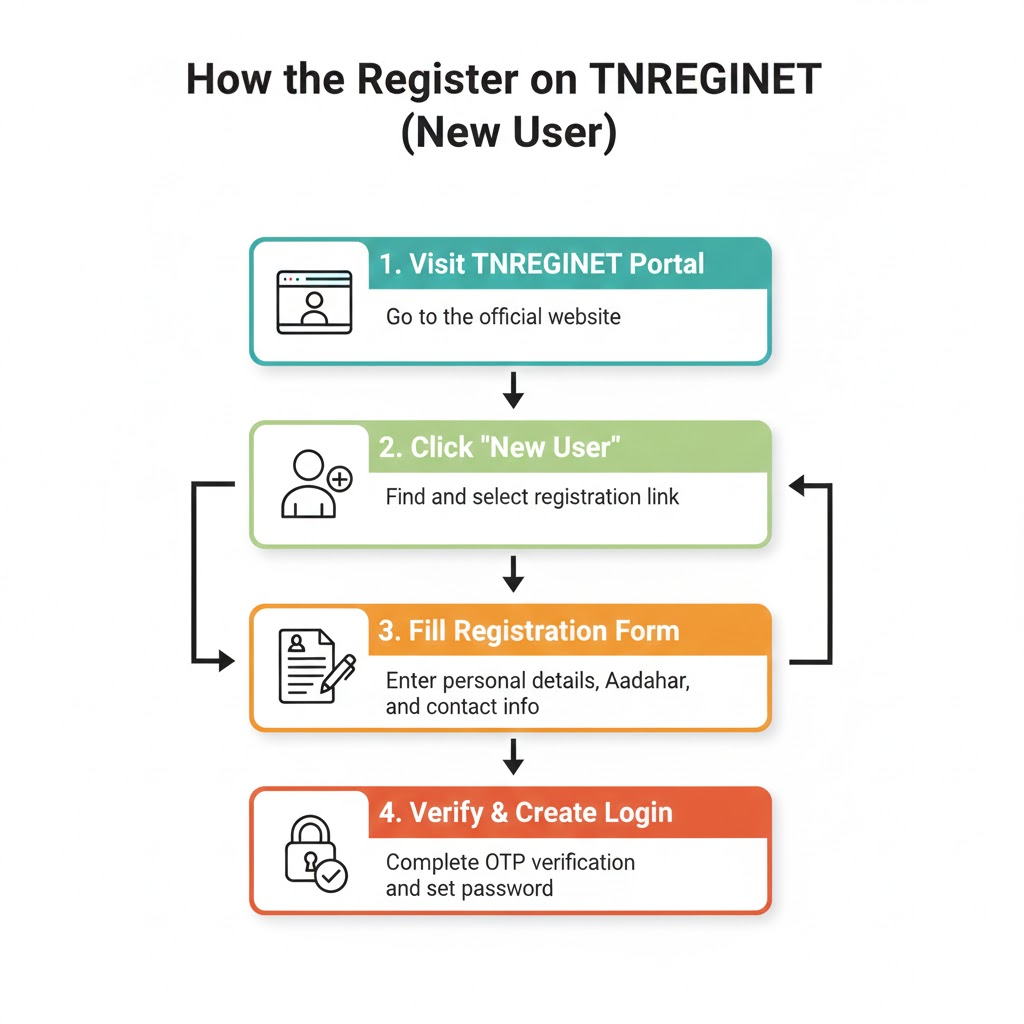
Step 1: Visit TNREGINET Portal
Open the official TNREGINET website and click on User Registration.
Step 2: Enter Basic Details
Provide:
- Name (as per Aadhaar)
- Mobile number
- Email ID
- Address details
Ensure accuracy, as these details are used across all applications.
Step 3: Verify Mobile Number
An OTP is sent to your registered mobile number. Enter it correctly to proceed.
Step 4: Create Username and Password
- Choose a strong password
- Save credentials securely for future login
Once registered, you can access all TNREGINET services.
How to Login to TNREGINET?
- Visit the TNREGINET homepage
- Click Login
- Enter username and password
- Complete captcha verification
- Submit to access your dashboard
From the dashboard, you can apply for EC, upload documents, or track application status.
Common TNREGINET Login Problems & Solutions
Incorrect Username or Password
Solution:
Use the “Forgot Password” option and reset using your registered mobile number.
OTP Not Received
Possible reasons:
- Network issues
- DND enabled
- Wrong mobile number
Solution:
Wait a few minutes and retry. If the issue continues, verify your mobile number details.
Captcha Error
Solution:
Refresh the page and re-enter captcha carefully. Avoid multiple rapid attempts.
Account Locked
This happens after multiple failed login attempts.
Solution:
Wait for automatic unlock or reset password after some time.
Registration Errors During Application Submission
Even after successful login, users may face errors while submitting applications due to:
- Incorrect SRO selection
- Mismatch in guideline value
- Missing document uploads
Before applying, it helps to:
- Confirm the correct SRO using TNREGINET jurisdiction search
- Verify property value through guideline value online in Tamil Nadu
These steps significantly reduce rejection chances.
What to Do If Login Issues Affect Your Application?
If login issues interrupt an application:
- Do not create multiple accounts
- Resume application after successful login
- Track progress once submitted using the TNREGINET application status guide
For EC-related applications, our guide on applying Encumbrance Certificate online in Tamil Nadu explains where login is mandatory.
Security Tips for TNREGINET Users
- Do not share login credentials
- Always logout after using public devices
- Avoid saving passwords on shared browsers
- Check portal URL before entering details
FAQs on TNREGINET Login
Is Aadhaar mandatory for TNREGINET registration?
Aadhaar is commonly used for verification but requirements may vary by service.
Can one user register multiple properties?
Yes. A single TNREGINET account can be used for multiple transactions.
Can I change my mobile number later?
Mobile number changes usually require verification and may need SRO assistance.
Conclusion
A successful TNREGINET login and registration is the foundation for accessing all online registration services in Tamil Nadu. Most login issues are minor and can be resolved by verifying details and following correct steps.
For step-by-step help on property registration, EC applications, document downloads, and fee payments, explore TNREGINET resource hub.