How to Apply Encumbrance Certificate (EC) Online in Tamil Nadu
An Encumbrance Certificate (EC) is an important record for property owners in Tamil Nadu. It shows the full history of a property, including past sales, loans, or legal issues. You need an EC for buying, selling, or taking a home loan.
TNREGINET makes it easy to apply for an EC online without visiting the Sub-Registrar Office. To learn more about all TNREGINET services, you can read my full guide on TNREGINET Registration, EC View, and Guideline Value at: https://tnreginetguide.com/
What Is an Encumbrance Certificate (EC)?
An Encumbrance Certificate is a record of all registered transactions related to a property. It shows:
- Sale deeds
- Gift deeds
- Mortgages
- Loan details
- Court orders, if any
- Release deeds
If the EC shows “No Encumbrance,” it means the property has no financial or legal issues.
Types of Encumbrance Certificate in Tamil Nadu
1. Form 15 (EC with Encumbrance)
This EC shows all registered transactions on the property for the selected period.
2. Form 16 (No Encumbrance Certificate – NEC)
This EC shows that no transactions or charges are recorded on the property.
Documents Needed for EC Application
You need only basic details:
- Property address
- Zone, village, and survey number (if available)
- Owner’s name
- Document number (optional)
- Year of registration
- SRO (Sub-Registrar Office) details
- TNREGINET login ID
No physical documents are required for online application.
How to Apply for Encumbrance Certificate (EC) Online in Tamil Nadu
Follow these simple steps:
Step 1: Visit the TNREGINET Website
Go to the official TNREGINET portal https://tnreginet.gov.in/ and log in to your account. If you are not registered, create a new user ID with your mobile number and email.
Step 2: Open the EC Service Page
In the “E-Services” menu, select “Encumbrance Certificate.” You will see options to view, apply, and download EC.
Step 3: Select the Search Method
You can search EC using:
- Survey number
- Plot number
- Patta details
- Document number
- Street name and door number
Choose the method that fits your available information.
Step 4: Enter Property Details
Fill in the required fields such as village, zone, year range, and SRO office. Enter owner name if known.
Step 5: Set the EC Period
Choose the years for which you want the EC. Banks usually ask for 12 to 30 years of EC history.
Step 6: Submit the Request
Review the details and submit. The system will generate the EC request.
Step 7: Make the EC Payment
Pay the EC service fee online using debit card, credit card, or net banking.
Step 8: Download the EC
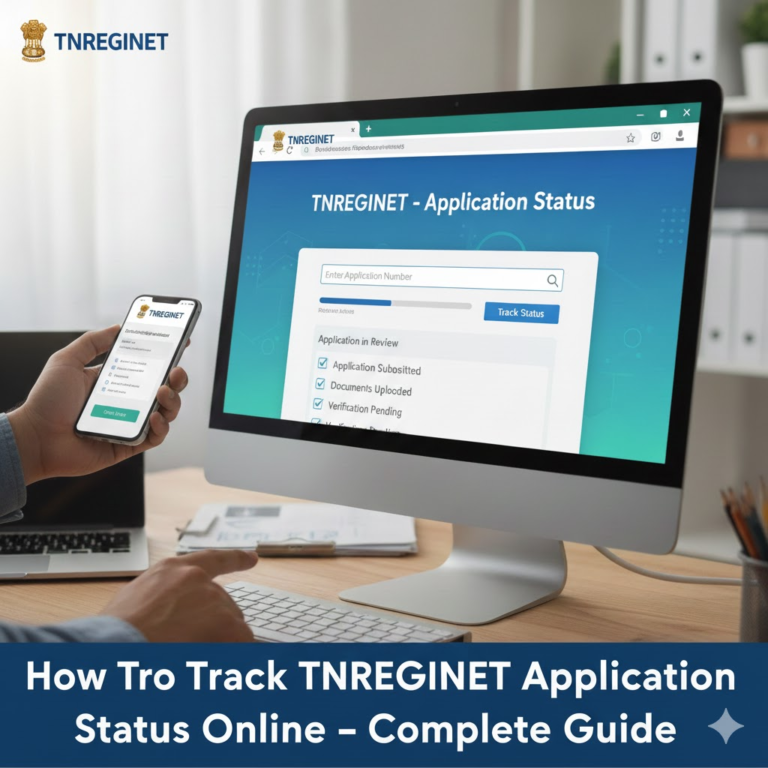
Once processed, you can download the Encumbrance Certificate from your TNREGINET login. The EC will include the official seal and approval details.
EC Processing Time in Tamil Nadu
In most cases, the EC is ready within:
- Immediate – if using document number search
- 1–3 working days – for detailed EC requests
- Up to 7 days – if manual review is needed at SRO
TNREGINET sends updates to your mobile number and email.
EC Fees in Tamil Nadu
| Service | Fee |
|---|---|
| EC search fee | ₹1 per year |
| EC application fee | ₹1 per page |
| Online service charge | ₹20 – ₹40 |
| Certificate download | Included |
Charges may change based on SRO rules.
Why You Need an EC
You need an Encumbrance Certificate for:
- Buying property
- Selling property
- Home loan application
- Land mutation
- Checking property history
- Legal property verification
Common EC Search Issues & Solutions
1. No records found
Check spelling of owner name or try a different year range.
2. Wrong SRO selected
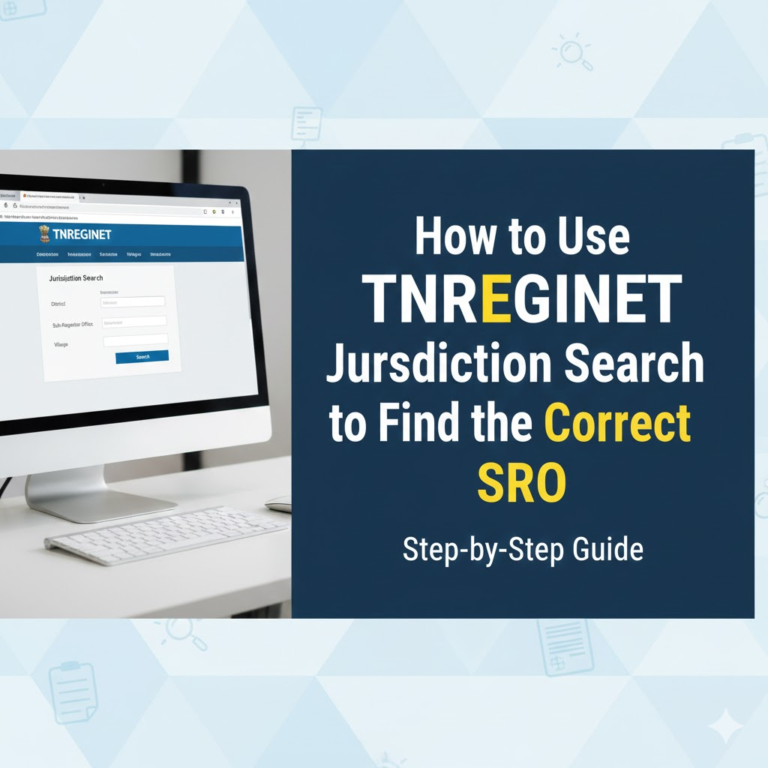
Use “Jurisdiction Search” on TNREGINET to find the correct Sub-Registrar Office.
3. EC not downloading
Clear browser cache or log in again after 10 minutes.
4. Missing entries in EC
Visit SRO with your document number for manual verification.
FAQs
Can I apply for EC without survey number?
Yes. You can search by door number, document number, or street name.
Is online EC accepted by banks?
Yes. Online EC from TNREGINET is valid for all loan and property processes.
Can I check EC without login?
You can only view a basic EC. To download, login is required.
What is the maximum EC period I can apply for?
You can apply for EC for all years from the date of property registration.
Can I edit an EC request after applying?
No. You must submit a fresh request with correct details.