How to Check Guideline Value Online in Tamil Nadu
Guideline value is the minimum value fixed by the Tamil Nadu government for property registration. It helps buyers and sellers understand the base value of land or building in a specific area. You need this value to calculate stamp duty and registration fees before buying or registering a property. TNREGINET https://tnreginet.gov.in/ makes it simple to check guideline value online without visiting the Sub-Registrar Office.
If you want to see all TNREGINET services in one place, you can read my complete guide on TNREGINET Registration, EC View, and Document Search.
What Is Guideline Value
Guideline value is the government-approved value for every street, survey number, and village in Tamil Nadu. It acts as the reference value during property registration. The final property value cannot be lower than this guideline value. Banks, buyers, sellers, and lawyers use this value for verification.
Why Guideline Value Is Important
You need guideline value for
- Stamp duty calculation
- Registration fee calculation
- Property buying
- Property selling
- Loan approval
- Legal verification
- Price comparison
- It helps you understand if the property is priced correctly.
Where the Guideline Value Comes From
The value is fixed by the Tamil Nadu Registration Department. It is updated based on market changes, land use, development, and government rules. The latest update was done in recent years for all districts.
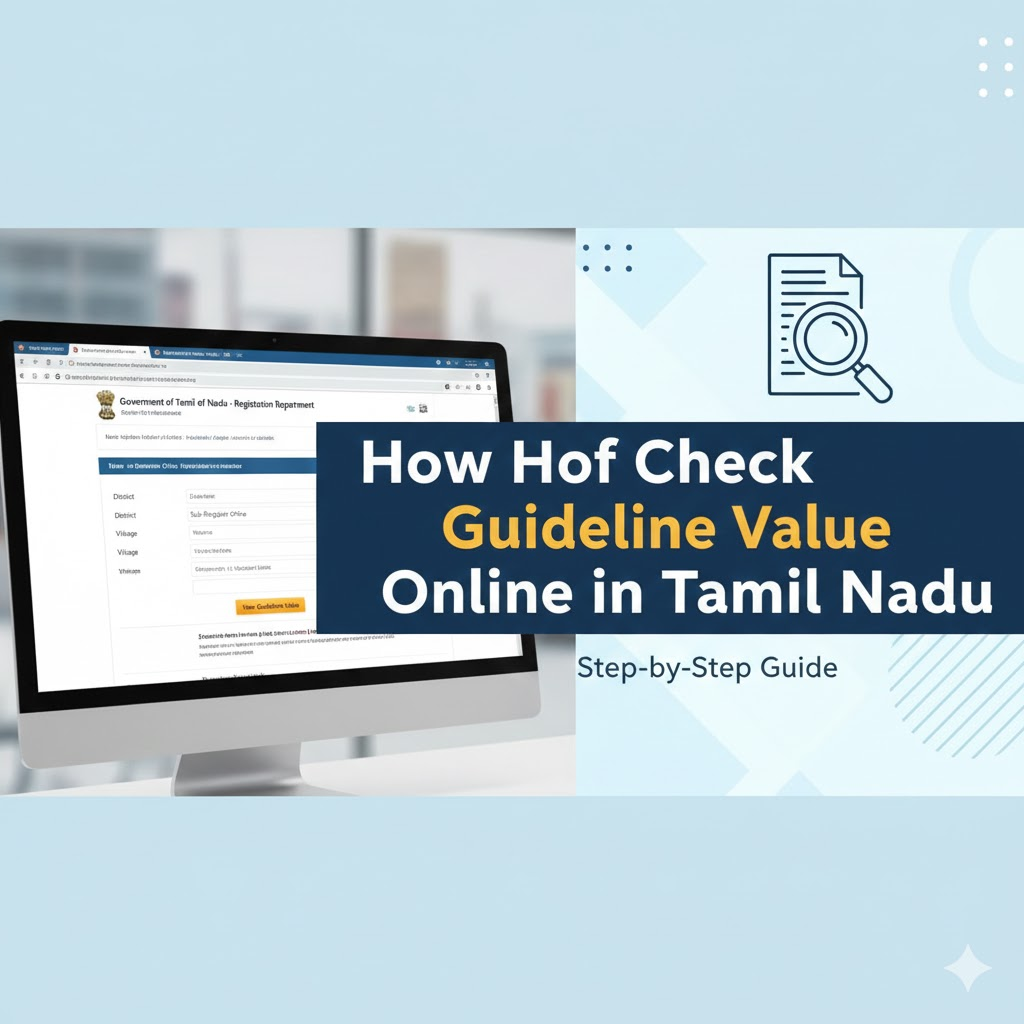
How to Check Guideline Value Online on TNREGINET
Follow these steps to check guideline value on the TNREGINET portal.
Step 1: Visit the TNREGINET Website
Go to the official portal from your browser. You do not need to log in to see guideline value.
Step 2: Open the Guideline Value Section
On the homepage, click the Guideline Value button. It will take you to the search page.
Step 3: Select the Search Type
- You can search guideline value in two ways
- Street name
- Survey number
- Choose the method based on the details you have.
Step 4: Enter Basic Details
- Select
- Zone
- District
- Sub-Registrar Office
- Village name
- After that, enter the street name or survey number.
Step 5: Select the Date
Choose the date for which you want to see the guideline value. The default date will show the latest value.
Step 6: Click Search
The portal will show the current guideline value for the selected property. It will also show land type, classification, and linked survey details.
How to Use the Guideline Value
The guideline value helps you understand
- Minimum property value
- Stamp duty you must pay
- Registration fees
- Market range of a location
- If a seller is asking too much
- If a deal is fair
It also supports banks during loan approval.
Stamp Duty and Registration Fee Based on Guideline Value
- Tamil Nadu follows fixed rates for registration.
- Stamp duty is calculated on the higher value between market price and guideline value.
- Registration fee is added based on the document type.
- The portal also has a fee calculator to help you see the final amount.
Common Issues and Simple Fixes
| Street is not shown, try survey number search. |
| Value shows zero, check if you selected the correct SRO. |
| You do not know the SRO, use the Jurisdiction Search on TNREGINET. |
| Details look outdated, refresh the page or change the date. |
FAQs
Do I need an account to check guideline value?
No, you can check it without logging in.
Is guideline value the same as market value?
No, market value can be higher. Guideline value is only the minimum value fixed by the government.
Can I check guideline value for any district?
Yes, the portal covers all districts in Tamil Nadu.
Can guideline value change?
Yes, it is updated when the government revises the rates.
Is guideline value used for loan approval?
Yes, banks compare both market value and guideline value.