How to Use TNREGINET Jurisdiction Search to Find Correct SRO
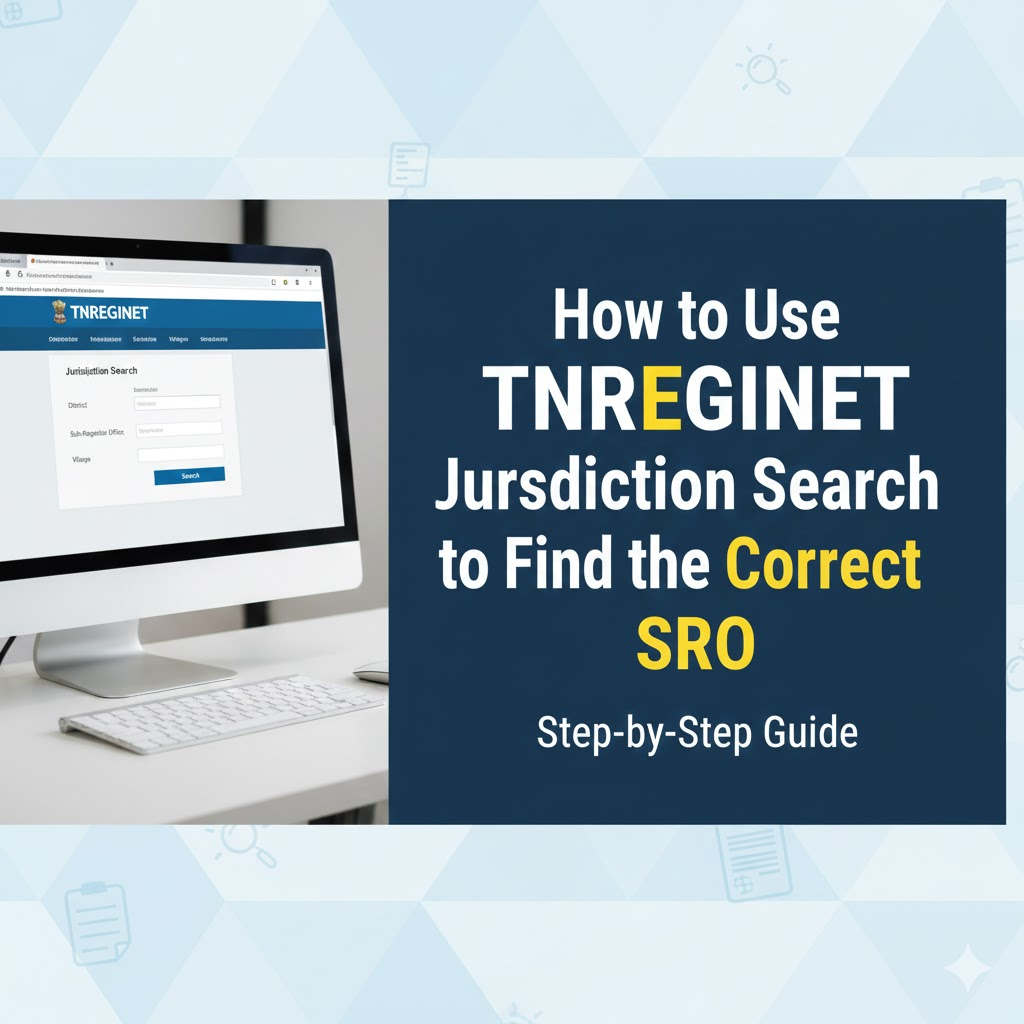
TNREGINET gives an easy online tool called Jurisdiction Search. This tool helps you find correct Sub-Registrar Office (SRO) for a property. You need SRO details when you want to register property, check encumbrance certificate (EC), search documents, or download a certified copy.
With this search tool, you do not need to ask brokers or visit government offices. You can get the correct SRO in a few seconds. If you want to learn all TNREGINET services, you can read my complete guide on TNREGINET Registration, EC View, and Guideline Value Check at: https://tnreginetguide.com/
What Is an SRO
SRO means Sub-Registrar Office. Every area in Tamil Nadu comes under one SRO. All property documents and registrations in that area are handled by that office. When you search for EC or documents, the SRO must be correct. If you select the wrong SRO, the portal will not show any results.
Why Jurisdiction Search Is Important
You need SRO details for
- Property registration
- Viewing EC
- Document search
- Certified copy download
- Stamp duty check
- Guideline value search
- Knowing correct office helps you avoid errors and saves time.
Details Required for Jurisdiction Search
You can find the SRO using any of these details
- Street name
- Survey number
- Village name
- Registration district
- Property number
Even if you know only one detail, you can still use the tool.
How to Use TNREGINET Jurisdiction Search
Follow these simple steps to find the correct SRO for any property in Tamil Nadu.
Step 1: Visit TNREGINET Website
Open official TNREGINET portal https://tnreginet.gov.in/ in your browser.
Step 2: Look for Jurisdiction Search Section
On the homepage, you will see the option Know Your Jurisdiction. Click on it.
Step 3: Select Your District
Choose the district where the property is located. This is the first filter.
Step 4: Select Zone and SRO
The portal will show the zones and SROs linked with that district. Select the right one if you already know the area.
Step 5: Enter Property Details
To find the exact SRO, enter
- Village name
- Survey number
- Street name
- Door number
Enter whatever details you have.
Step 6: Click the Search Button
The system will show the correct Sub-Registrar Office for that location. You will also see the office address and contact number.
What You Can Do After Finding the SRO
After getting correct SRO, you can
- Check EC for that SRO
- Search for registered documents
- Download certified copies
- Register a property online
- Check guideline value
- See stamp duty details
This improves accuracy for all TNREGINET services.
Common Issues and Quick Fixes
- Street name is not found, try survey number search.
- No results appear, check district and village spelling.
- Data looks old, refresh the page and try again.
- You still cannot find the SRO, try nearby village names.
FAQs
Is Jurisdiction Search free?
Yes, the tool is free for everyone.
Do I need an account to use this tool?
No, login is not required.
Does tool cover all districts?
Yes, it covers all SROs in Tamil Nadu.
Can I use survey number only?
Yes, survey number search works well in rural areas.
Can SRO change?
Yes, survey number search works well in rural areas.